
Taming the Fox: How We Mastered FoxESS Automation for Smart Energy Trading


A friend of mine recently had a beautiful FoxESS system installed. The hardware is brilliant, but when he tried to set up automations to exploit wholesale energy plans, he quickly hit a brick wall. Like many in the solar community, he spent weekends wrestling with complex code, rate limits, and dropped connections, only to have his system fail right when the spot price spiked.
I told him we could solve it.
After weeks of deep-dive development and rigorous testing, we are thrilled to announce that Gridkeeper by Dusk Energy now natively integrates with FoxESS. We have completely ironed out the notorious API instability, allowing FoxESS owners to seamlessly automate their energy trading without writing a single line of code.
Here is a look at the hurdles we overcame to get this integration live, how it works, and how you can get it up and running in minutes.
1. The FoxESS API Challenge: What the Market Knows
If you have ever tried to connect a FoxESS system to a third-party platform or a local Home Assistant server, you already know the story. The hardware itself is incredibly capable, but their cloud API has historically been a tough nut to crack for the average user.
Across the community, the same frustrations pop up repeatedly:
Strict Rate Limits: The cloud platform aggressively throttles data requests. If your local server asks for updates too frequently, you get locked out.
Vanishing API Keys: Users frequently report their API keys resetting or vanishing entirely, completely breaking their carefully crafted automations.
The Modbus Workaround: Until now, the only truly reliable way to automate a FoxESS inverter was to pull out the networking cables and physically wire up a local Modbus connection—a highly technical task that puts it out of reach for the average homeowner.
We knew that for Gridkeeper to be the ultimate energy management tool, we had to build a cloud-to-cloud bridge that handled all this friction invisibly.

2. The Gridkeeper Breakthrough
We took the headache out of the equation. Our development team spent weeks decoding the quirks of the FoxESS architecture to build a stable, resilient integration.
You no longer need to run a local server, configure complex YAML files, or worry about your API limits resetting in the middle of a lucrative energy trading window. Gridkeeper handles the entire handshake in the cloud.
By linking your FoxESS account to Gridkeeper, you instantly unlock our full suite of advanced automations. Whether you are on Amber Electric, Localvolts, or navigating the GloBird Wholesave plan, you can now drag and drop rules to:
Force-charge your battery during negative price events.
Automate tiered battery discharging when wholesale prices spike.
Halt solar exports the second feed-in tariffs drop below zero.
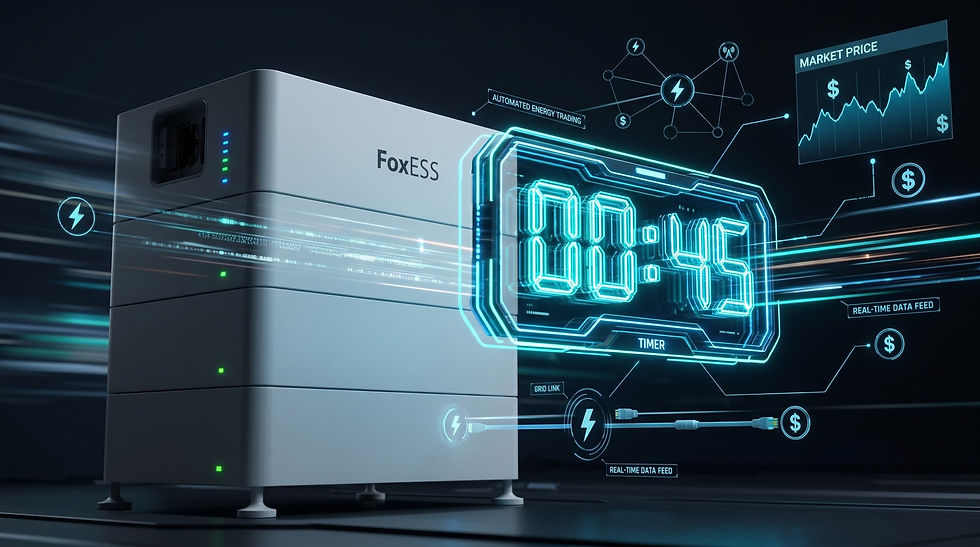
3. The 45-Second Catch (And Why It Doesn't Matter)
In the spirit of total transparency, there is one technical caveat to this integration. Because we are playing by the strict rules of the FoxESS cloud rate limits to ensure absolute stability, it generally takes at least 45 seconds for a Gridkeeper automation to activate upon being triggered.
For instance, if the wholesale price hits your target of 50c/kWh, Gridkeeper will instantly send the command, but the FoxESS cloud framework may take up to 45 seconds to actually execute the discharge command at the inverter level.
Why this is completely fine: When we are dealing with smart energy trading, a 45-second delay is practically irrelevant.
Wholesale market intervals (like AEMO spot pricing) operate in 5-minute blocks. Missing the first 45 seconds of a 5-minute window will not break your daily ROI.
If you are automating a "Free Time" tariff window (like 11:00 AM to 2:00 PM), a 45-second buffer at the start line makes zero financial difference.
We deliberately chose a 45-second latency over an unstable, aggressive polling method that risks your account getting banned by the manufacturer. It is a calculated trade-off that guarantees your automations will actually fire when you need them to, day in and day out.
4. Step-by-Step Onboarding: How to Connect FoxESS to Gridkeeper
Ready to unlock your system? Connecting your FoxESS platform in Gridkeeper requires no coding or technical configurations—just your standard login and system details. Once synced successfully, your hardware will instantly appear under your Discovered Devices.
Follow these three simple navigation steps inside your FoxESS Cloud portal to bind your system to Gridkeeper:
Step 1: Access Your User Profile
Log into your FoxESS web portal. Click on your User Avatar in the top-right corner of the screen and select User Profile from the dropdown menu.

Step 2: Bind the Gridkeeper Agent ID
Navigate to the User tab on the left-hand menu. Under the "User Type: Enduser" section, look for the field labeled Bind with Installer/Agent.
Enter our unique Agent ID exactly as follows:
A697AE3C
Click OK to confirm. This establishes the secure cloud link allowing Gridkeeper to safely pass automation commands to your hardware.

Step 3: Grab Your Inverter Serial Number
Finally, jump over to the Device > Inverter section on your main left sidebar menu. Click on your active inverter to open the Inverter Details tab. Locate and copy your Inverter SN (Serial Number). You will input this number directly into your Gridkeeper settings to finalise the connection.

Bring Your FoxESS into the Future
You invested in premium solar hardware to slash your bills, not to spend your weekends debugging API errors.
We built this integration so everyday homeowners can finally exploit aggressive retail energy plans with total confidence. The instability is gone, the coding is eliminated, and your FoxESS system is finally ready to trade.
Best of all, Gridkeeper is incredibly simple to set up, and the platform is completely free for home users.
Take total control of your energy strategy and start optimising your system today.
Want to simplify your energy trading? Explore cloud-based automation at www.dusk.energy
Stay updated on the latest energy strategies: Follow Gridkeeper on Facebook


Comments